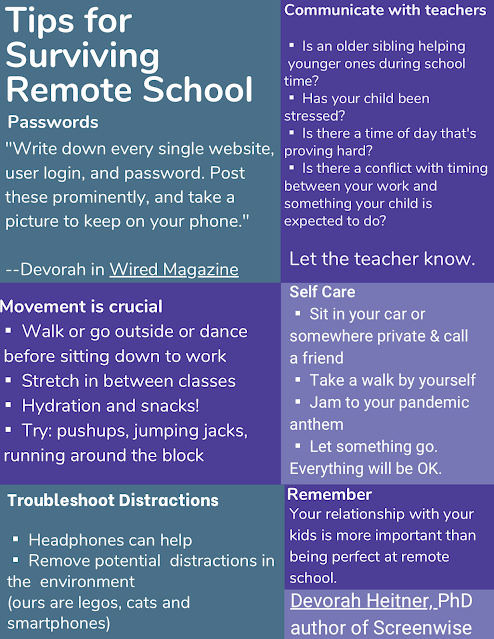
Passwords for kids — this has been one area where I’ve had to compromise & it’s been uncomfortable, but do-able. It’s part of my job to teach cyber security to people, yet schools insist —and subsist— on using terrible passwords, but I get it. I don’t like it and I don’t agree with it, but I get it and I accept it even though I’ve worked very hard to teach my family the value of digital security and password hygiene.
When they have to use a site or platform that doesn’t allow for password changes, I remind them that it’s not how we do things, but for the type of educational service and limitations, we can compromise.
My kids have been using a password manager app since they were very little. But when it comes to using school laptops where personal apps can’t be installed, and for when they were too young to have their own smartphone to use as a look-up tool, we devised a plan.
Normally, I advise against re-using passwords, but as in this case of compromise, I allow it to a degree. For each child, we come up with a password that is something unique, hard to guess, but easy for them to remember and develop muscle memory for typing. Once we’ve picked & practiced the base password, for each new site or platform they register, we use an abbreviation or short name for the service or product and tack it into the end.
Example:
MyGr8password becomes: MyGr8passwordGoog
MyGr8passwordScoolgy
MyGr8passwordIC
MyGr8passwordOffice
MyGr8passwordCanv
I still have them keep these logged into their password managers then, when necessary, we can print out a screenshot instead of hand-writing them each time to save on guessing whether someone wrote a 1, l, i, 0 or O. A spreadsheet or word processed document could work too, if that’s an accessible tool for parents. Be sure to choose a font that makes letters and numbers distinguishable from each other. Courier font is a good choice.