September 11, 2019

Right at Home with iPhone 11 Using AR

They finally listened to me! The iPhone 11 has a purple finish available!

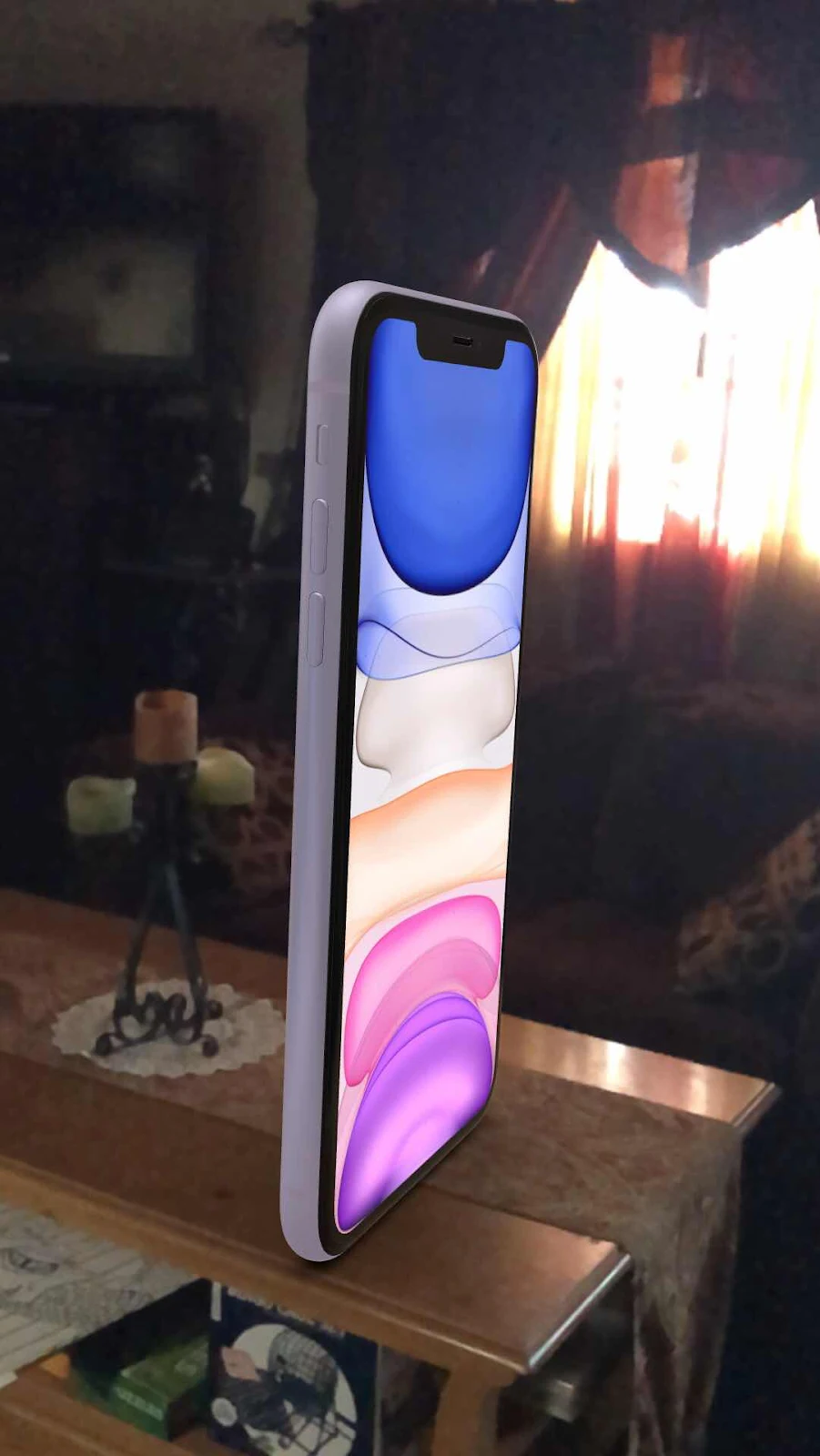
Want to see something really cool? You can use the AR feature on Apple’s website to place the iPhone as an object on a surface nearby. I tried it out this morning while eating breakfast. The beautiful lilac color of the iPhone 11’s purple finish compliments my purple Ello water bottle nicely.

Then scroll down to here:

Next, tap the AR symbol.

When the page opens up, use one or two fingers to pinch and push onto the image to turn it around and enlarge it. The detail is amazing. Next, tap the AR button.


It will place the iPhone object on a surface.


You can manipulate the object in the space to swivel and enlarge. I couldn’t figure out how to get it to rotate from the bottom or top, only the sides, but you get the idea.


Tap in the center of the screen and you’ll see the options to snap a photo or share.


Because who wouldn’t love a ginormous iPhone 11 in their living room on a coffee table?!


April 11, 2019

CleanMyMac X Has A New Space Lens Feature

I am really looking forward to trying this new feature out on all my external hard drives! MacPaw makes some of the most beautifully designed interfaces on the planet and I'm thankful for the opportunity to review this version of CleanMyMac X.

Here is a peek at new feature called Space Lens.

One of the toughest parts of my job is trying to help my clients move their data around and optimize it so they can access it. So many times they have external hard drives loaded with stuff and they don't know what's on them. I'm going to scan a bunch of my own drives with this new tool.

I'll report back with new features as I discover them, but two features that look really interesting are the built in malware detection scan and the Menu Bar status. (It's a bit like iStat Menus.)


Download a free trial and check it out for your Mac.